
Generate a Professional Study-Abroad CV in One Minute
一分钟根据已有信息生成专业留学简历
The tools are ChatGPT and Overleaf. If you haven't learned them yet, now is the time. Here is the full walkthrough.
Log in to ChatGPT. Click Explore GPTs in the left sidebar, then search Resume/CV Builder. Look for the one created by tian-2.
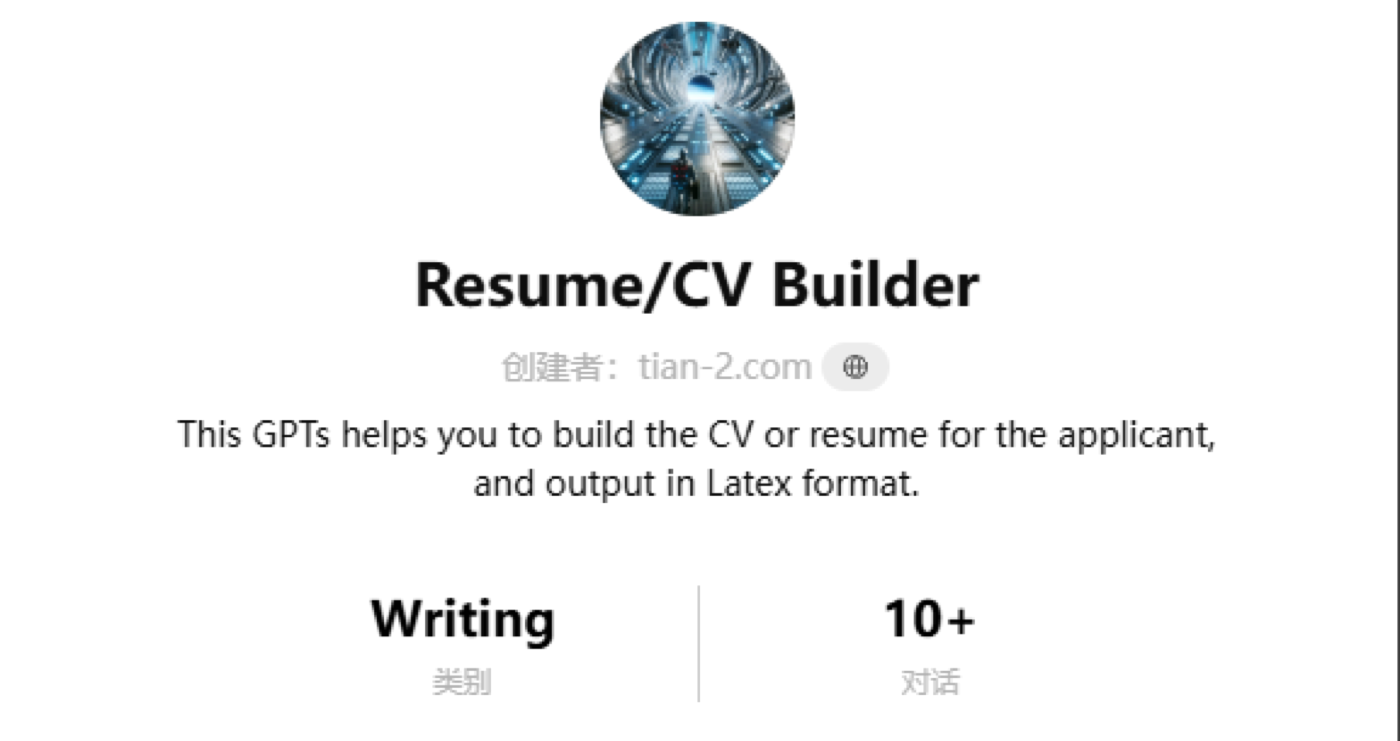
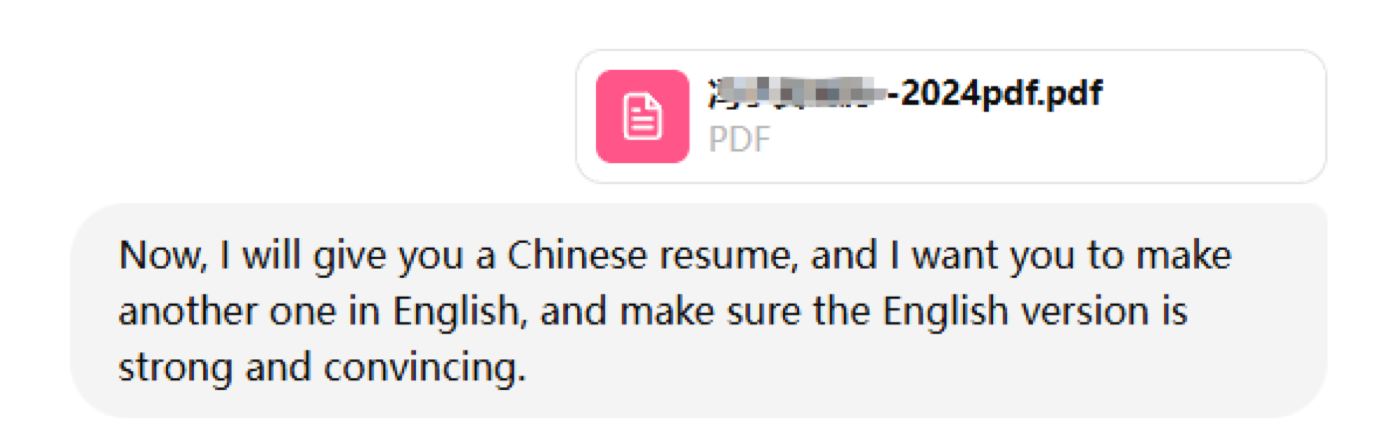
Open the GPT and paste in your personal information. Ideally you have a Chinese résumé or a filled-in information sheet you can upload directly. The example below starts from a simple Chinese CV and generates the English version from it.
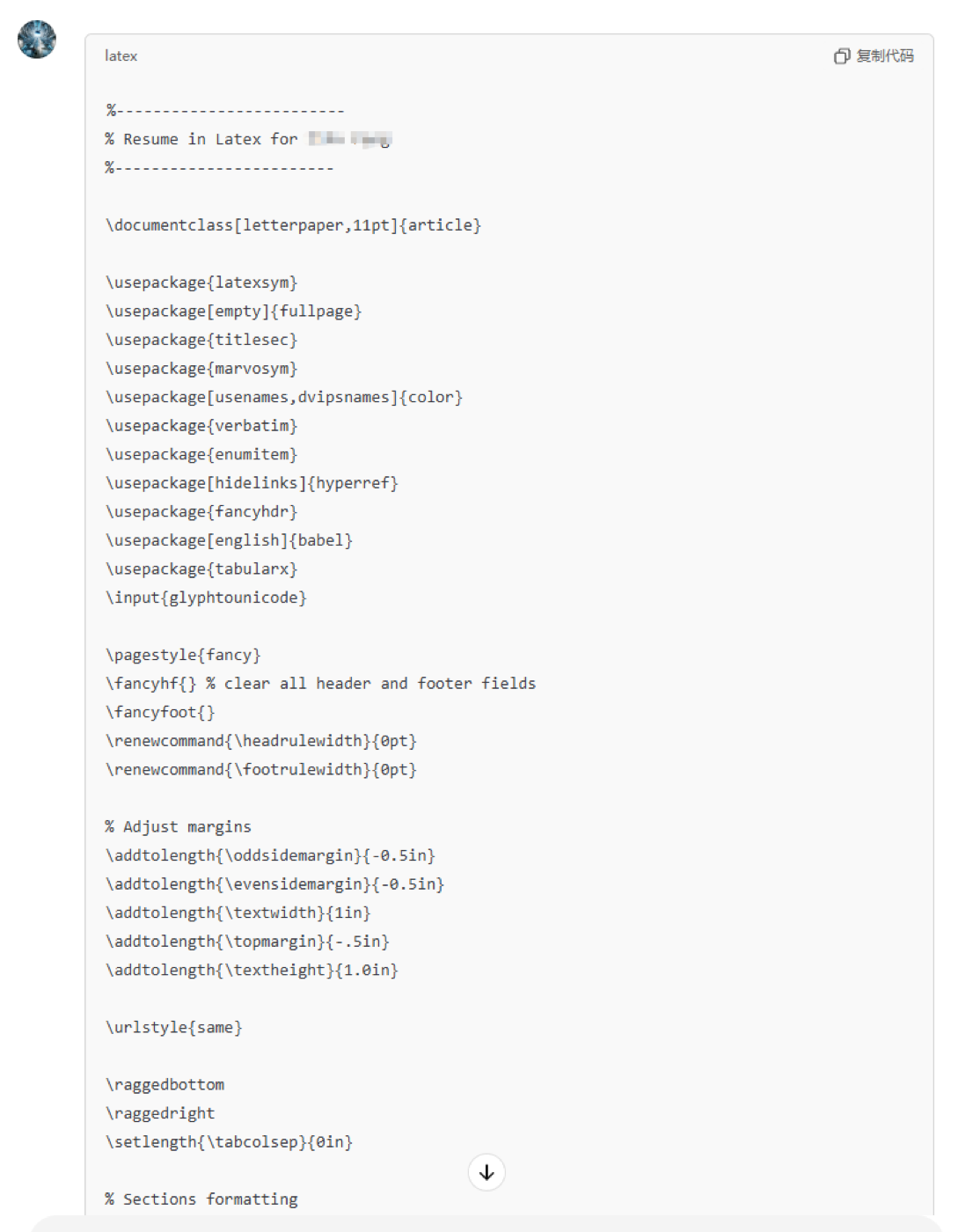
ChatGPT outputs LaTeX source code. If the CV is long, click Continue generating. The top of the code handles formatting; the content is below.
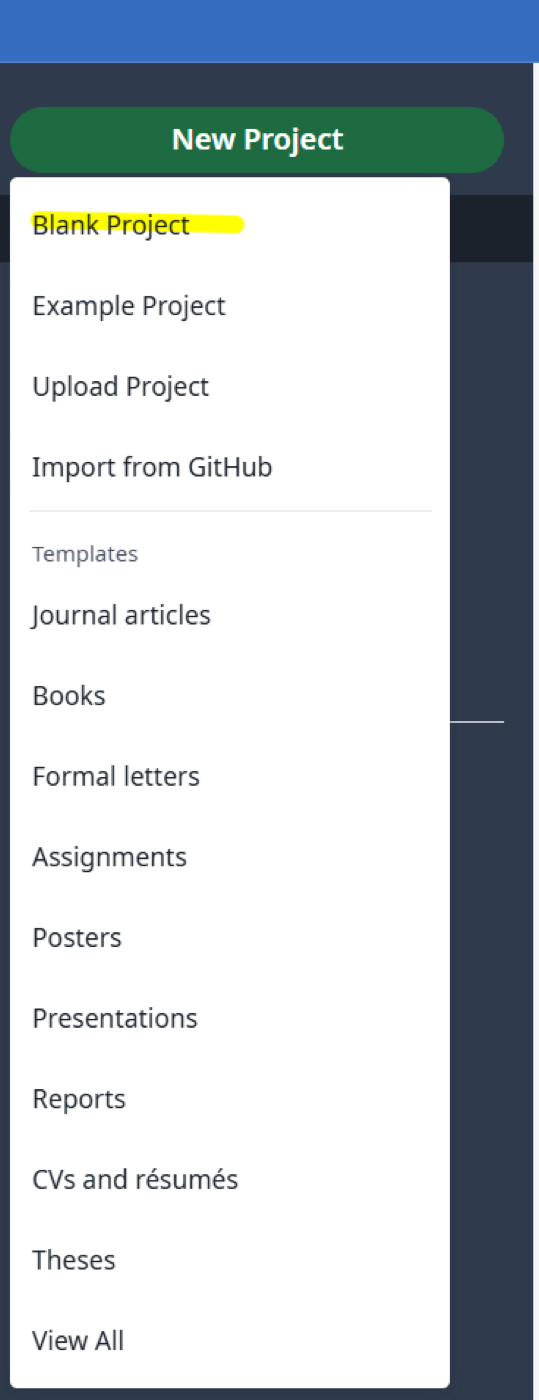
While ChatGPT finishes, open Overleaf in another tab. Click Blank Project and give it a name.
Switch back to ChatGPT — generation should be done. Click the copy button in the top-right corner of the code block.
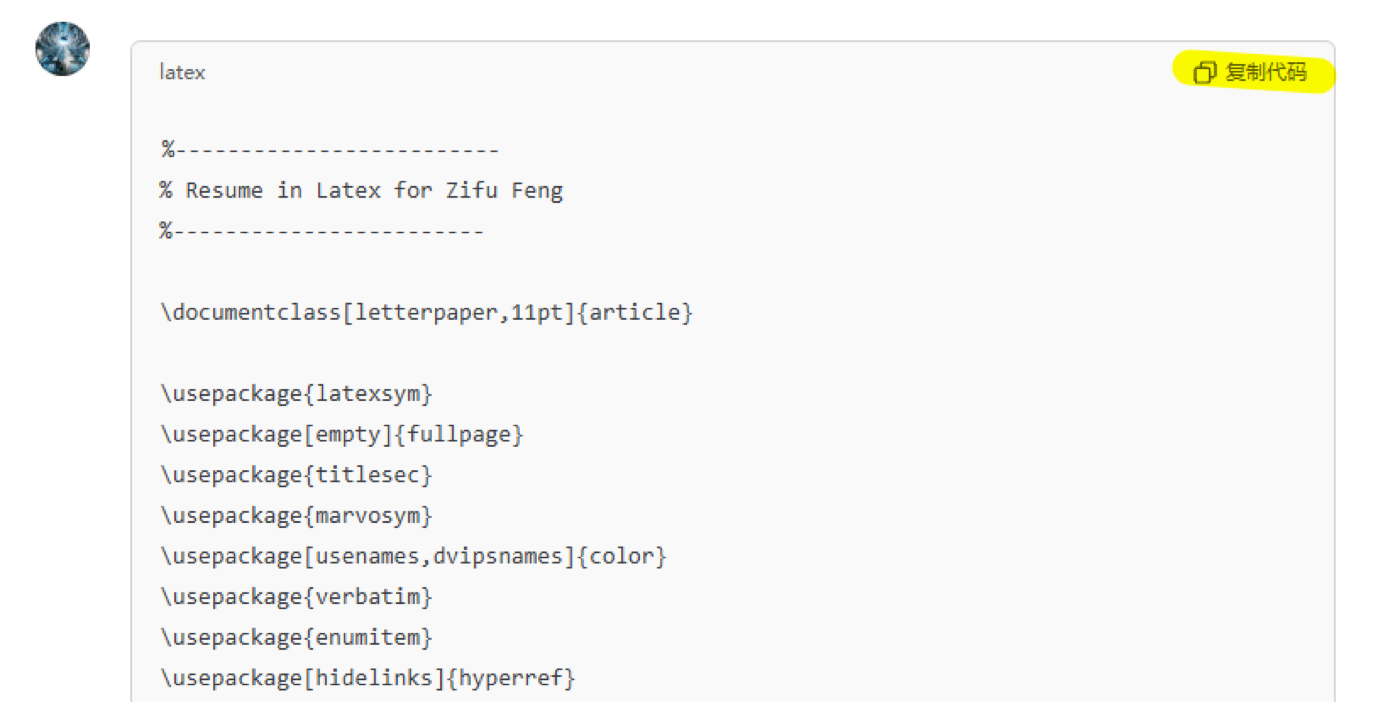
Back in Overleaf, delete all existing content, paste the copied code, then click Recompile in the top-right.
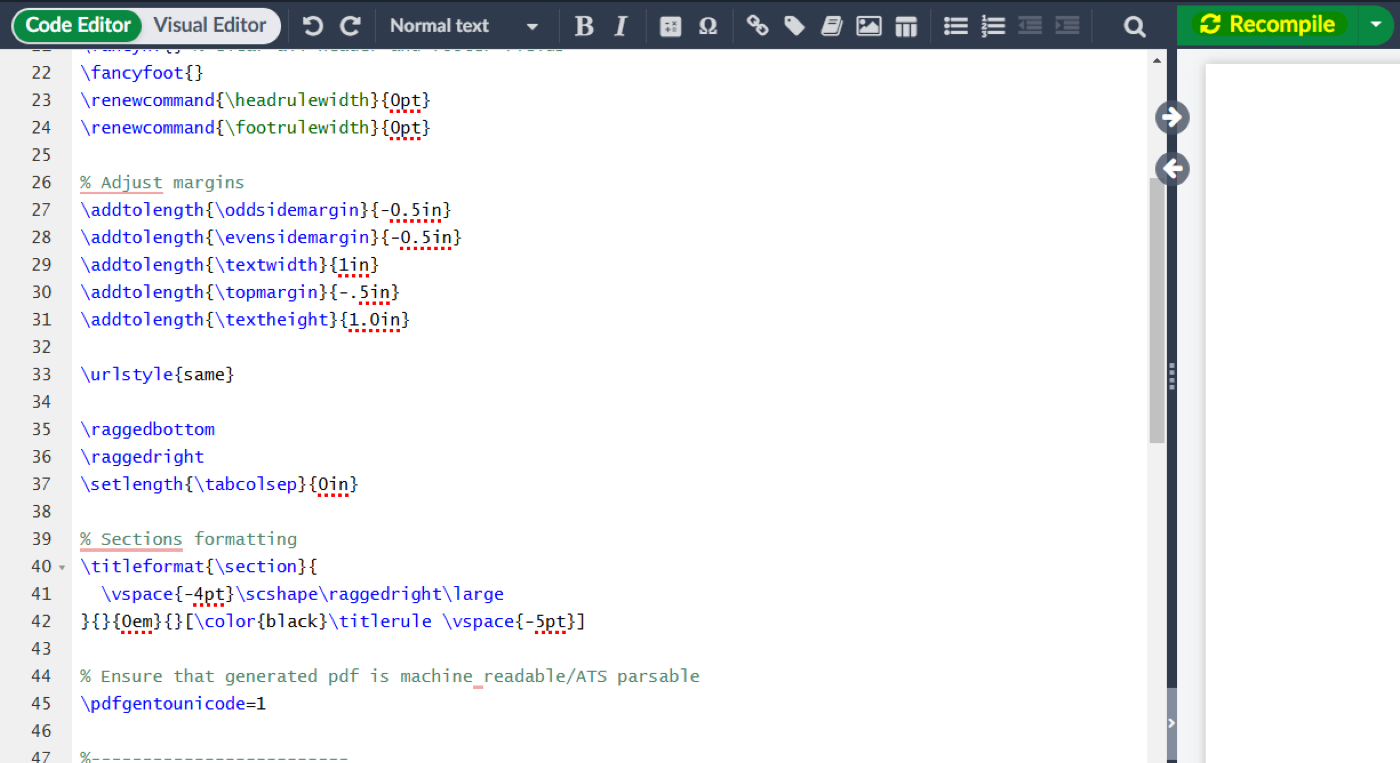
If it compiles successfully, the result should look clean and professional. If it errors out, DM me.
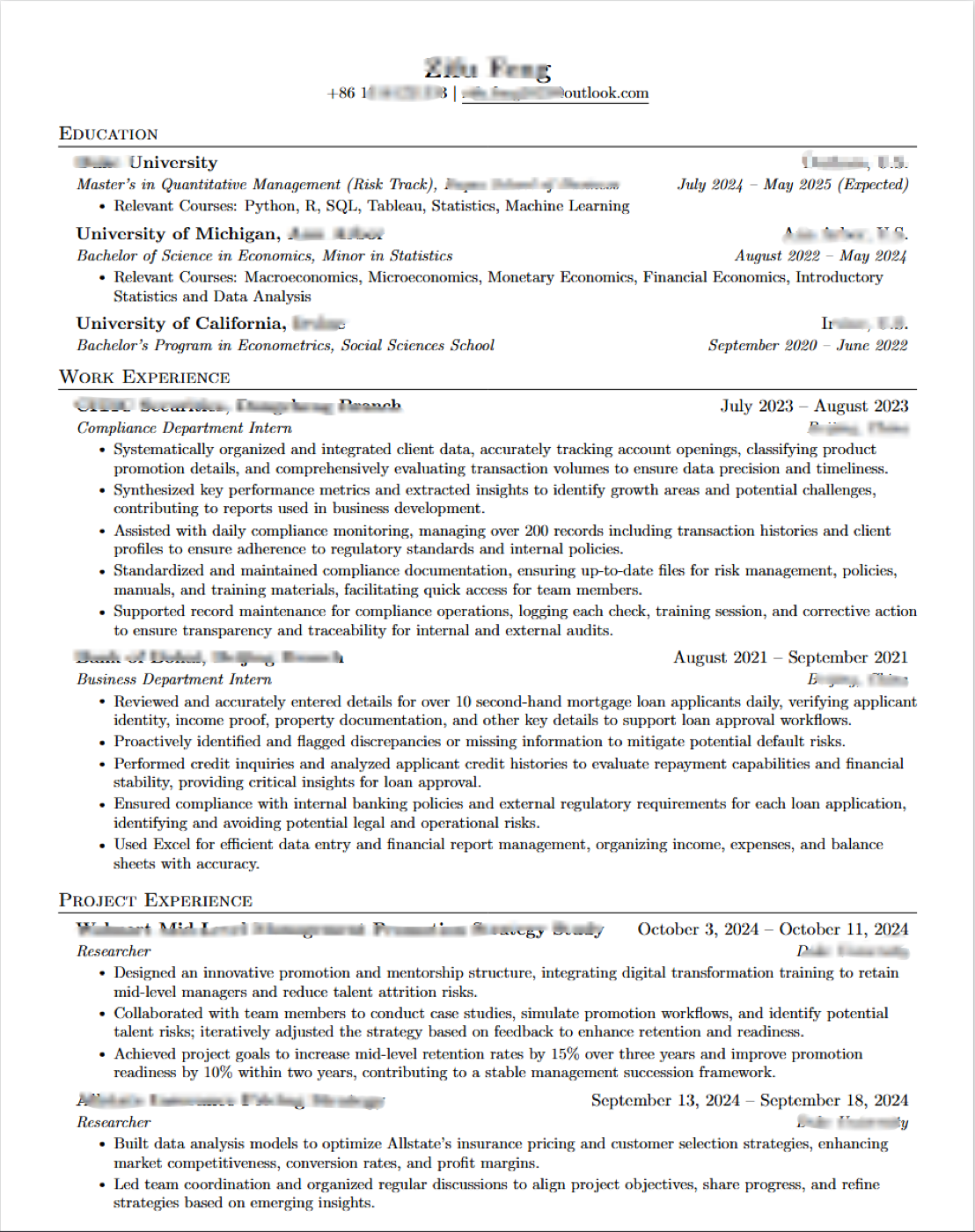
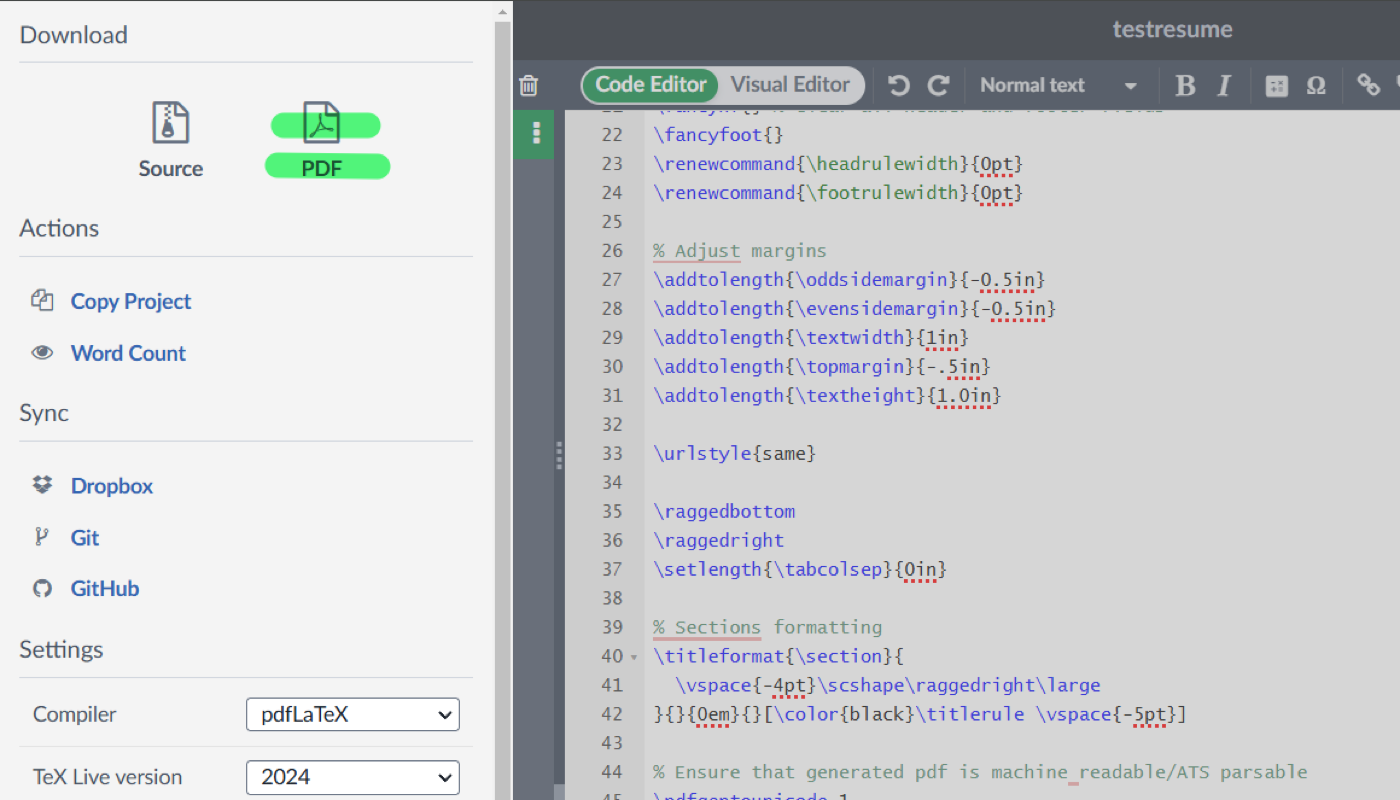
Click Menu in the top-left, then download as PDF. To refine content, give ChatGPT a revision prompt such as: Use more specific and professional terms. Add more numbers and detail descriptions. For layout tweaks, switch to Visual Editor in Overleaf, adjust what you need, then Recompile.
The whole process takes about one minute if your materials are ready. If you already have an English CV, you can feed it in and ask the GPT to improve it directly.